Start here
Studio is a free app for running AI coding agents on your Mac and your own Linux servers. The shortest path from download to a first chat.
Where in StudioStudio
Updated View as markdown
On this page
Studio is a free app for AI coding agents. You pick a project folder, choose an agent such as Claude Code, Codex, Grok, Devin or Cursor, and talk to it in a chat while it works in your code. The desktop app runs on macOS. On Linux, Studio runs on a server without a window, and you work on it from the Mac app.
The app is named Kelrova on your Mac. These pages call it Studio.
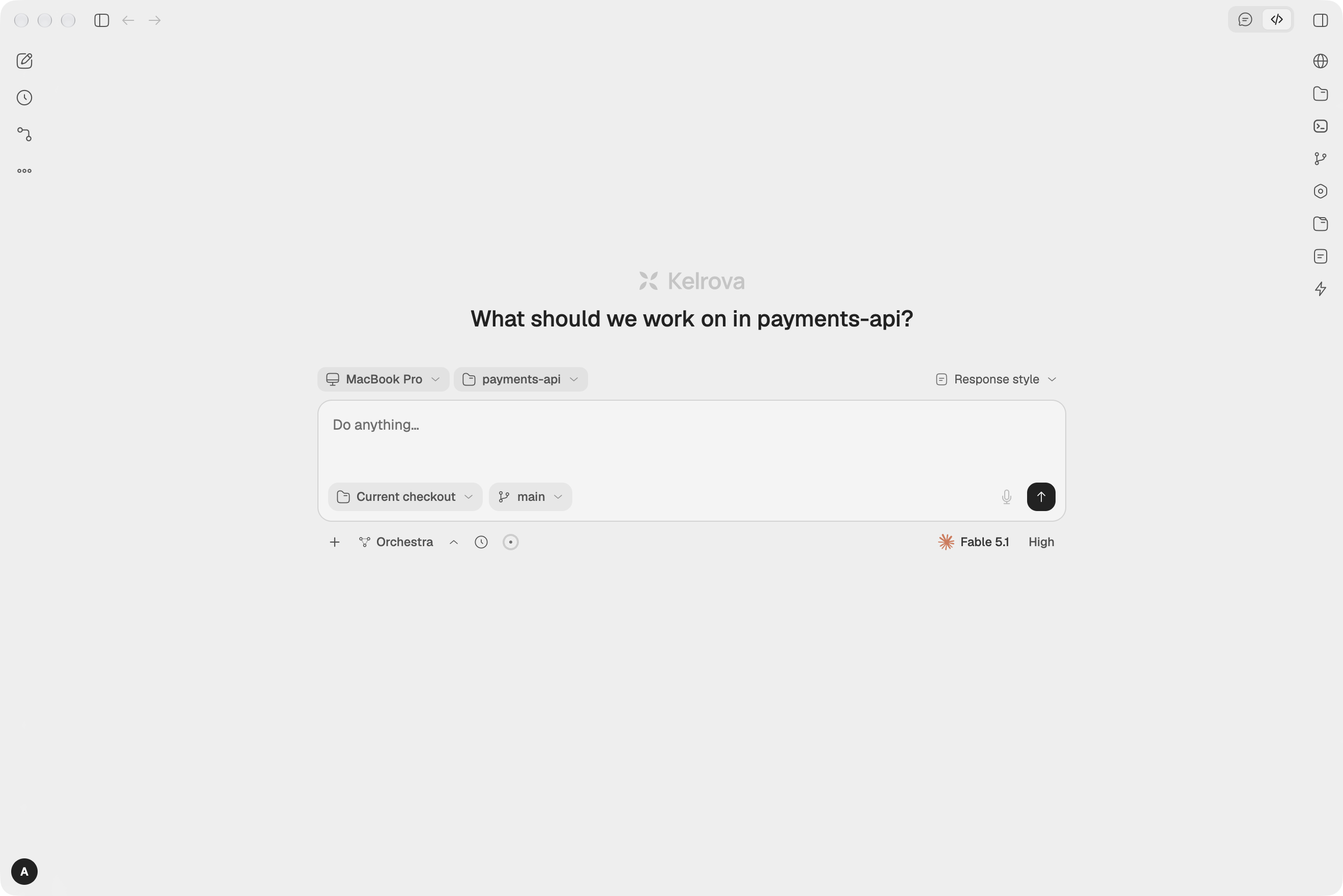
The shortest path to a first chat
| Step | What you do | Guide |
|---|---|---|
| 1. Install | Download the .dmg and drag Kelrova to Applications. | Install on macOS |
| 2. Sign in, or skip it | Log in with your Kelrova account, or choose Continue without an account to keep everything on this Mac. | Sign in and approve this computer |
| 3. Connect an agent | Install an agent's CLI, then add its account under Settings → Agents. | Connect your agents |
| 4. Add a project | Choose Add a project and pick a folder. | Projects and checkouts |
| 5. Send a message | Choose New chat, type what you want and press Enter. | Your first chat |
An account is optional. Without one, your workspace stays on this computer. Signing in syncs your projects, chats and settings between your computers and lets you add servers.
Running on a server
To keep agents working while your Mac sleeps, install Studio on a Linux server with one command and add it as a remote device. Install on Linux covers the install, and Run Studio on your own server covers working on it.
What the other groups cover
- Chats: the composer, models and accounts, access levels, attachments, questions, steering, Git, context, the browser panel and the terminal.
- Orchestra: one chat that plans the work and runs other agents for its steps, across providers.
- Chats that work together: chats that start or message other chats, with proposals you confirm.
- Schedules and automations: chats that start at a set time, and the Automated and Workflows pages.
- Remote devices: run Studio on your own server and start sessions there.
- Kelrova security in Studio: see Kelrova findings in Studio and open one in a chat.
- Trust and data: approved devices, encryption, what syncs, signed updates and backup.
- Reference: the settings map, shortcuts, token usage, troubleshooting and the glossary.
Kelrova security scans
Studio is separate from Kelrova's security scans, which run in Kelrova Cloud and are documented in the security scans docs. The same Kelrova account works for both.