Chat delegation settings
On by default: agents hand deploys, full test runs and other long work to a separate chat that reports back. Turn it off in Settings → Agents.
Where in StudioStudio → Settings → Agents → Chat delegation
Updated View as markdown
On this page
Chat delegation decides whether agents hand long work to a separate chat on their own. It is on by default and synced across your devices.
Where in StudioStudio → Settings → Agents → Chat delegation
What the switch does
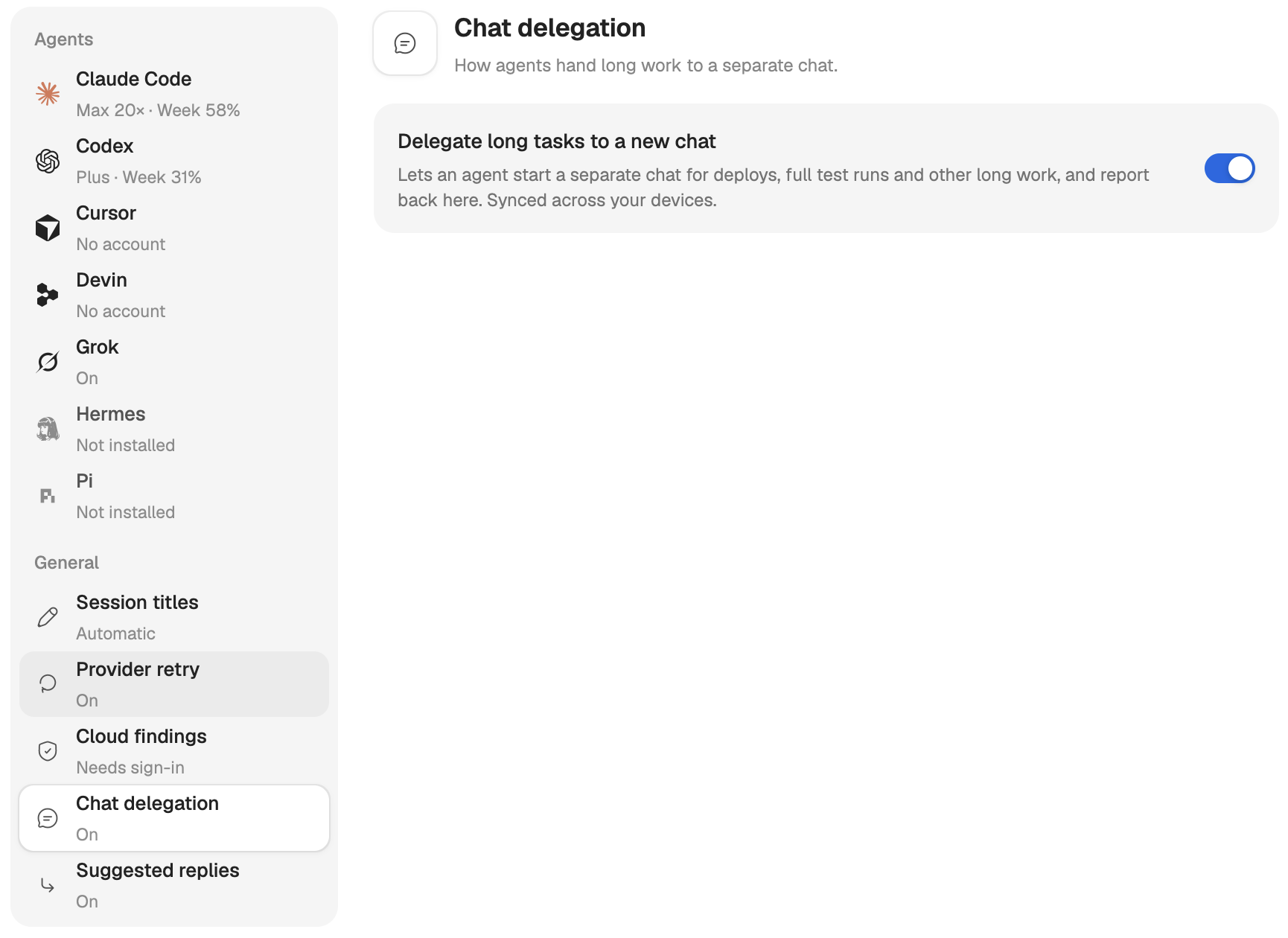
The pane has one switch, Delegate long tasks to a new chat.
On (the default): when you ask for work that runs long and does not need you to wait, such as a deploy, the full test suite, release packaging or a long migration, the agent starts a new chat on the current checkout for it. It tells you which chat it started and goes on, or ends its turn. The new chat sends its outcome back to your chat as a message when it is done. If you want the result before the agent goes on, say so, and it waits for the reply instead.
The agent keeps work in the chat when it touches files the chat is editing, needs your answers, or takes only a few minutes.
Off: agents no longer hand long work to a new chat on their own. Everything else stays: a chat can still list, read, message, stop and start other chats when you ask it to, and it can still propose an Orchestra. The limits apply either way.
Change it
Open the pane
Open Settings → Agents and choose Chat delegation in the list. The row shows On or Off.
Flip the switch
Click the switch beside Delegate long tasks to a new chat. The change is saved at once and applies from the agent's next turn.
If the pane says "Couldn't load chat delegation.", click the message to try again. Until the value loads, the switch shows the default, dimmed.
Next to it
Suggested replies, the row under Chat delegation, is a separate setting: ready-made answers under an agent's reply. See Questions and suggested replies.