Start here
The six steps from a new account to your first findings and a routine: connect a code host, add a code source, create a project, scan, fix and schedule.
Where in the portalGetting started
Updated View as markdown
On this page
Kelrova works in the browser at app.kelrova.com, and scans run in Kelrova Cloud, so there is nothing to install. These pages take you from a new account to a first set of findings and then to a routine that keeps them current.
The portal has its own Getting started page that lists the same six steps and marks each one as you finish it. The portal estimates about ten minutes for all six.
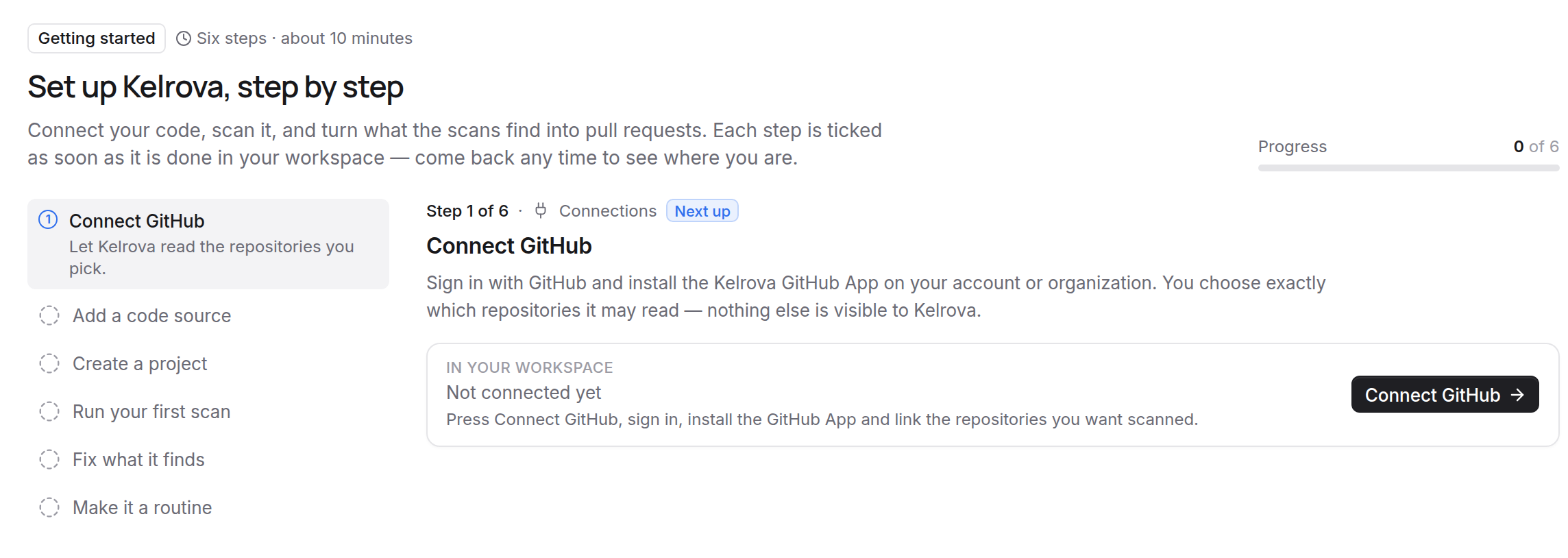
The six steps
| Step | Where in the portal | What you do | Guide |
|---|---|---|---|
| 1. Connect a code host | Connections | Let Kelrova read the repositories you pick. | Connect GitHub, GitLab or Bitbucket |
| 2. Add a code source | Code Sources | One repository, one branch, optionally one folder. | Add a code source |
| 3. Create a project | Projects | Group the sources of one product and decide who sees it. | Create a project |
| 4. Run your first scan | Scans | Pick the project and how much to review. | Run your first scan |
| 5. Fix what it finds | Findings | Every finding has evidence, and Go Fix can open a pull request. | Read the run page, Go Fix |
| 6. Make it a routine | Schedule | Scan on a schedule, add merge gates and invite your team. | Scheduled scans, Merge gates |
Who can do what
Organization owners and admins manage connections, code sources and projects, so steps 1 to 3 need one of those roles. If you are a member without them, ask an owner or admin to set these up and start from step 4.
Four words to know
- A code source is one linked repository on one branch: the whole repository or a single folder of it. That branch is the tracked branch, and scans and fixes always work on it.
- A project groups the code sources that make up one product, such as its API and its web app, and decides who sees its scans and findings.
- A scan reviews a project at a level, from Quick to Adversary.
- A finding is a weakness a scan confirmed, with its severity, its location and the evidence for it.
The glossary defines these and the rest.
What to read next
- New to Kelrova: Create an account and organization.
- Choosing how deep to scan: Scan levels.
- Fixing in your own editor or agent: The MCP server.
- Comparing plans: Plans and the trial or Pricing.
- Stuck: Getting help.