Email notifications
Which emails Kelrova sends, who gets each one and which you can switch off.
Where in the portalSettings → Notifications
Updated View as markdown
On this page
Kelrova emails you about scans, your organization and your account. Some emails you can switch off. The ones that keep you signed in, keep your account safe and keep your access are always sent.
Emails you can switch off
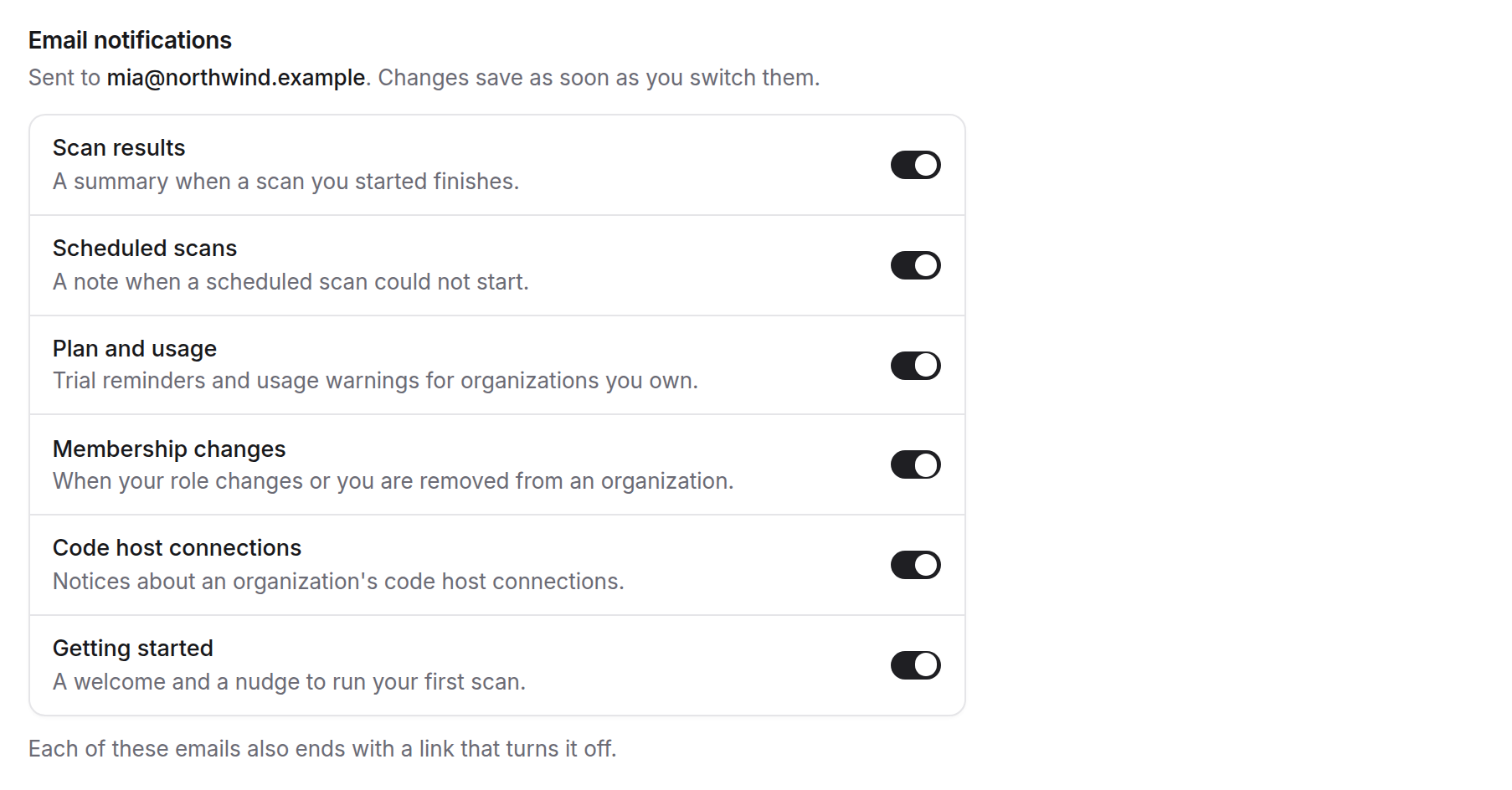
These are on by default. Each has a switch in Settings → Notifications, and each ends with a link that turns it off. See Preferences and unsubscribe.
| What it says | Who sees the switch | |
|---|---|---|
| Scan results | A summary when a scan you started finishes | Everyone |
| Scheduled scans | A note when a scheduled scan could not start | Everyone |
| Plan and usage | Trial reminders and usage warnings | Owners of an organization |
| Membership changes | When your role changes or you are removed from an organization | Everyone |
| Code host connections | Notices about an organization's code host connections | Owners and admins |
| Getting started | A welcome and a nudge to run your first scan | Everyone |
Scan results
The summary goes to the person who started the scan. It gives the outcome of the run, its counts and up to ten finding titles with their severity. See Read the run page.
Scheduled scans
If a scheduled scan could not start, the person who created the schedule gets a note. Why a run can be skipped is on Scheduled scans.
Plan and usage
Owners get a reminder 3 days before a trial ends, a note when the trial starts, and a warning when usage reaches 80 % and again at 100 %. See Plans and the trial.
Membership changes
You get an email when your role changes or when someone removes you from an organization. Leaving an organization yourself sends nothing. See Members and roles.
Getting started
A welcome email, and a nudge to run your first scan. See Run your first scan.
Emails that are always sent
These cannot be turned off. They appear under Always sent in your settings, except support replies.
| What it says | Who gets it | |
|---|---|---|
| Sign-in and password codes | Codes and links to sign in, confirm two-factor and reset your password | Everyone |
| Account security | Two-factor changes and new sign-ins | Everyone |
| Billing alerts | Payment problems, blocked access and the end of a trial | Owners of an organization |
| Invitations | Invitations to join an organization | People you invite |
| Support replies | Staff replies to your support tickets | The people on the ticket |
Note
Optional emails carry an unsubscribe link in the footer. Emails that are always sent do not.
Who gets what
Which switches you see depends on your roles. Plan and usage appears only if you own an organization, and Code host connections only if you own or administer one. Billing alerts, under Always sent, appears for owners.
Emails go to the address on your account. The page shows it above the switches.