When Quick applies
Quick reviews only what changed since your last completed scan. When it can start, when it refuses, and what to do on a large change set.
Where in the portalSecurity → Scans → New scan → Coverage
Updated View as markdown
On this page
Quick reviews the files that changed since the last completed scan, so it needs one to compare with. It never falls back to reviewing the whole project: when it cannot compare, it does not start.
Where in the portalSecurity → Scans → New scan → Coverage
What you see on the Coverage step
Choose Quick and the row shows the comparison before you start. It reads "Comparing with the last successful scan…" while it checks. Then it gives the result, with the count on the right.
- A count. "N files have changed since the last successful scan", with its date. Zero reads "No files have changed".
- Needs a scan. No scan has completed, or its source version cannot be read.
- Too many changes. The change set is too large for Quick.
- Not checked. The changed files could not be read right now.
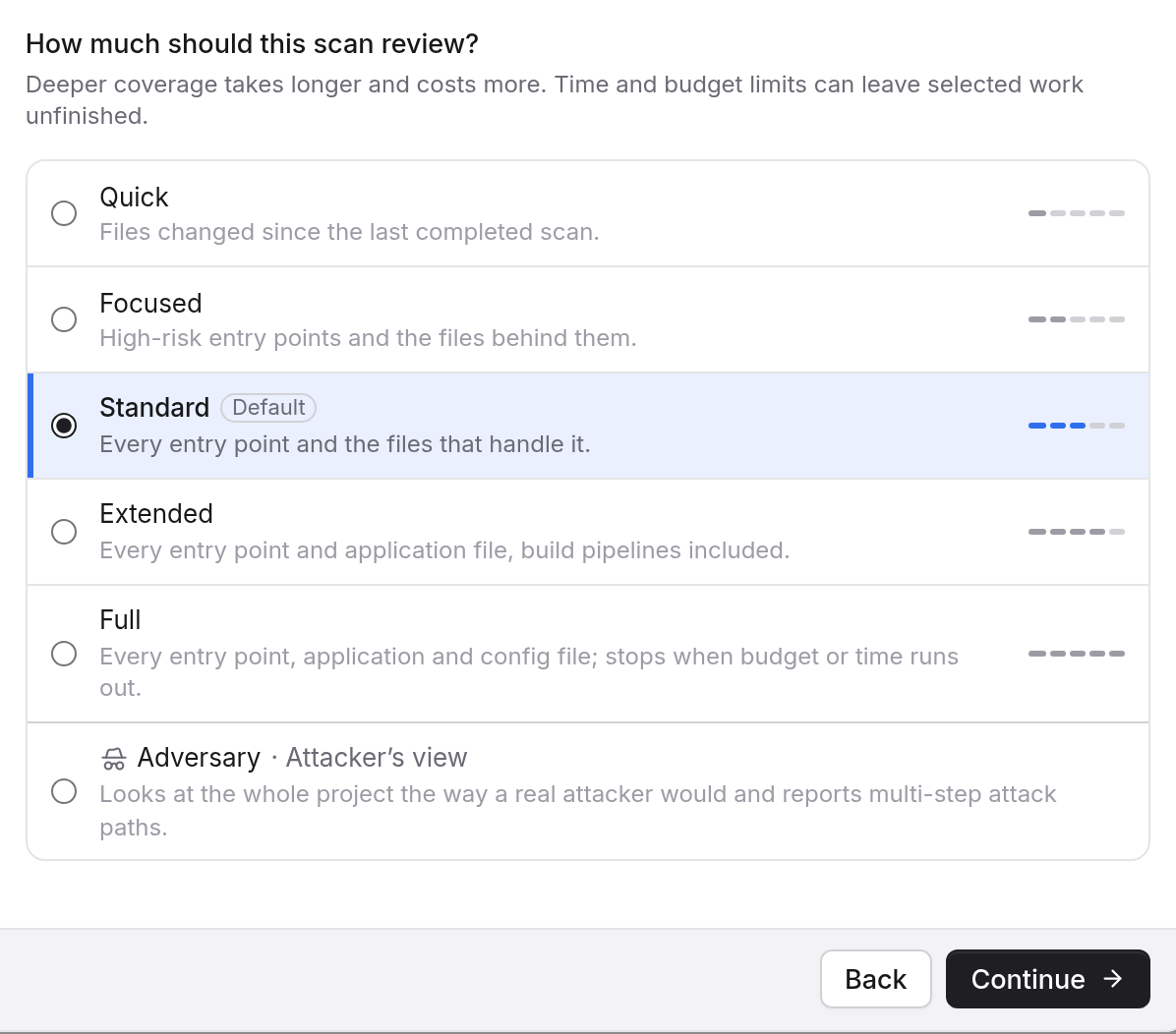
The count is a preview. Kelrova compares again when you press Start scan, and that comparison decides what the scan reviews.
When Quick refuses
Quick will not start in three cases, and no scan or usage is created.
| Case | What the dialog says |
|---|---|
| No completed scan to compare with, or its source cannot be read | Quick needs a completed scan first. Choose Standard instead. |
| Too many changes | Quick isn't available for these changes. Choose Standard instead. |
| The changed files cannot be compared | Changed files couldn't be checked right now, so Quick can't start. Try again in a moment, or choose Standard. |
The dialog offers Switch to Standard, Change coverage or Try again, whichever fits. Where your plan does not include Standard, it says "another level".
A scheduled Quick run that hits one of these cases is skipped with the same reason, and nothing starts.
Large change sets
Above 150 changed files, counted after your project's exclusions, Standard is recommended. The dialog shows a "Large change set" notice: on a change set this large, Quick may finish with partial coverage.
You have two options:
- Switch to Standard for full coverage.
- Tick "Continue with Quick; I accept a partial result". Start scan stays off until you do.
Scheduled Quick runs are exempt from this notice. See Complete, partial and cancelled runs for what a partial run shows.
What Quick does not do
Quick does not check open findings from earlier scans again. From Focused up, a run can do that. To check findings on their own, see Re-verify earlier findings.
Starting with Quick
On a project with no completed scan, pick another level first. Once a scan has completed, Quick has something to compare with, and the Coverage step shows the changed-file count each time. See Scan levels for the full list.