Connect GitHub
Install the Kelrova GitHub App on your account or organization, choose the repositories it may read and change that choice later.
Where in the portalConnections → Connect GitHub
Updated View as markdown
On this page
Sign in with GitHub and install the Kelrova GitHub App on your account or organization. You choose exactly which repositories it may read; nothing else is visible to Kelrova. Organization owners and admins manage GitHub connections.
Open Connections
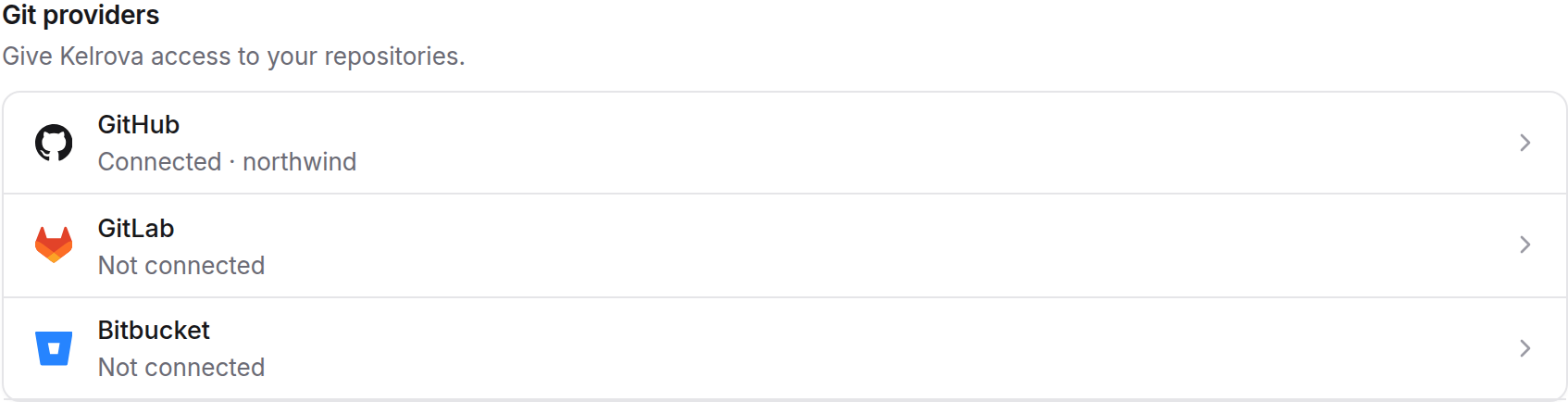
In the portal, open Connections and choose Connect GitHub.
Sign in and install the app
Sign in to GitHub and install the Kelrova GitHub App on your account or on the GitHub organization that owns the code.
Link the repositories
Pick the repositories you want scanned. Kelrova may ask you to confirm your sign-in again before it links them.
Who can link an installation
- For a personal GitHub account, the person installing must be that account.
- For a GitHub organization, you must be an administrator of the repositories GitHub lists for you under the installation. You do not have to be an owner of the GitHub organization.
What access Kelrova uses
Kelrova sees only the repositories you link. Scans only read the code. Kelrova writes to a repository only when a member asks Go Fix to open a pull request, which is why the connection also asks for permission to open pull requests.
Change the repositories later
Add or remove repositories from the connection card on Connections. Adding repositories asks for a fresh sign-in; removing them does not.
Removing a repository, or unlinking the connection, notifies every organization admin and pauses the schedules that scanned it. Paused schedules are not resumed automatically. Code sources on a removed repository work again once the repository is linked again.
When a repository is held
Kelrova can hold a repository, or a whole connection, until someone with admin rights on the repository re-verifies it. A hold blocks new scans and schedule runs for what it covers. It never cancels work that is already running. Admins get an email when a connection or repository is held. An administrator of the repository clears the hold by signing in with GitHub again to re-verify it.
Next
Add a code source on one of the linked repositories.