Add a code source
A code source is one linked repository on one branch, or one folder of it. Add one, name it and exclude the folders you never want reviewed.
Where in the portalCode Sources → Add source
Updated View as markdown
On this page
A code source is a linked repository on the branch you want reviewed: the whole repository or a single folder of it. That branch is the tracked branch, and scans and fixes always work on it. A monorepo can be several code sources, one per folder.
Organization owners and admins add code sources.
Open Code Sources
In the portal, open Code Sources and choose Add source.
Pick a repository
Choose one of the repositories you linked on Connections.
Choose the branch and folder
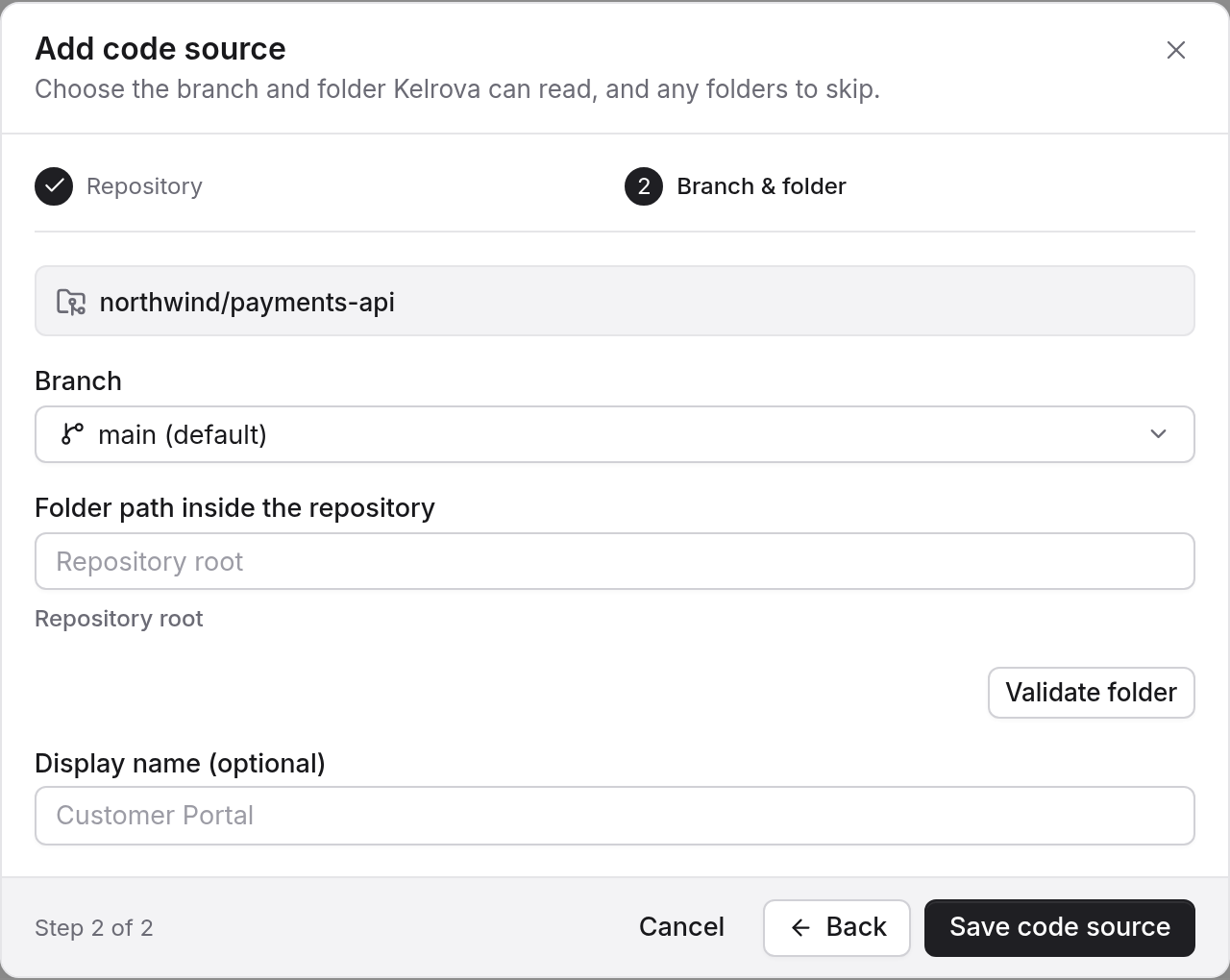
Pick the branch to review and, optionally, a folder inside the repository. Give the source a display name when the repository name is not clear.
Exclude folders
Exclude folders you never want reviewed, such as vendor/ or test fixtures. Excluded paths belong to the code source, so one list applies to every project that uses the source.
- A source can have up to 50 excluded paths, each a directory prefix of 1 to 200 characters, relative to the repository root.
- A trailing
/is added for you. A path cannot start with/, contain.., a backslash or a wildcard. - Each run takes the list as it stands when the run is created. Editing it later does not change work that is queued or running.
Excluded folders never enter a scan. They still count toward the download limits on Limits. Files larger than 8 MiB are skipped automatically; see Limits.
One source per folder
For a monorepo, add the same repository once for each folder you want to treat as its own code source, then group them into projects. Set up a monorepo as several code sources walks through it.
Next
Create a project from one or more code sources.