Connect GitLab or Bitbucket
Link a GitLab.com group or personal namespace, or a Bitbucket Cloud workspace, by signing in with the provider and choosing repositories.
Where in the portalConnections
Updated View as markdown
On this page
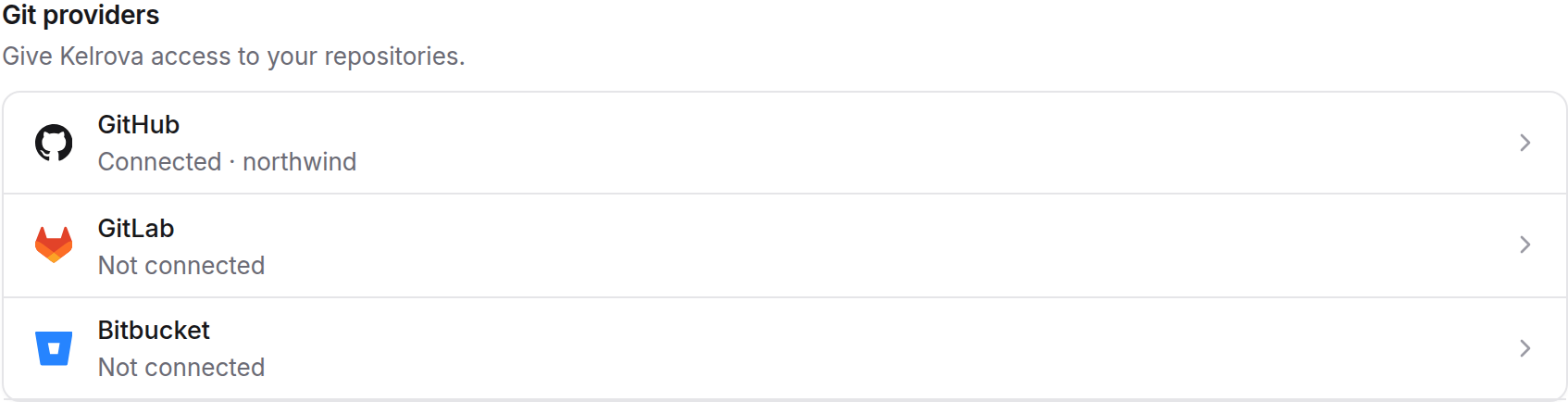
Link a GitLab.com group or personal namespace, or a Bitbucket Cloud workspace, by signing in with the provider and then choosing repositories. Organization owners and admins manage these connections from Connections, the same page as GitHub.
Self-managed GitLab and Bitbucket Data Center are not supported. Kelrova talks only to GitLab.com and Bitbucket Cloud.
What a connection is
A connection is your organization's link to one namespace at one provider: a GitLab group or personal namespace, or a Bitbucket workspace. Its credential is your own authorization at the provider, given when you sign in. Kelrova can use only what that authorization allows.
Link a namespace
Choose the provider
Open Connections and choose GitLab or Bitbucket.
Sign in with the provider
Approve Kelrova on the provider's consent page. You return to Connections.
Pick the repositories
Choose the repositories Kelrova may read. Kelrova asks for a fresh sign-in before it links them.
Which namespaces you are offered
| GitLab.com | Bitbucket Cloud | |
|---|---|---|
| Offered | Groups where you are Maintainer or above, and your personal namespace | Workspaces where you are an admin, or a member with repository admin |
| Needed to open pull requests | The granted scope includes api, and you hold Developer or more on the group, or own the personal namespace | Write or admin permission on the workspace and repository |
| Draft pull requests | Marked with a Draft: title prefix | Marked with the provider's draft field |
Scans only read the code. Kelrova writes only when a member asks Go Fix to open a pull request.
Differences from GitHub
- Check runs are not supported on either provider. Commit statuses are.
- The first fix commit, its draft pull request, status, merge and comment are supported on both providers. A follow-up round that moves an existing fix branch to a new commit is not.
- Kelrova registers a webhook for each repository when it is linked. If the credential cannot create one, the repository stays linked and pull request state refreshes when it is read. GitLab needs Maintainer for this; Bitbucket needs the webhook scope and repository admin.
If the connection needs attention
Because the credential is a person's authorization, it can stop working without anyone changing Kelrova:
- You revoked the application on the provider.
- The person who linked it no longer has permission to manage connections in your organization. Removing a member is never blocked because of this.
The connection then shows as needing attention. New scans are blocked and running work is not cancelled. Admins get an email and a portal notice, at most once per kind and day.
To restore it, an admin opens the connection, chooses reconnect and completes the provider's consent and the fresh sign-in. Grants, code sources and webhooks are kept.
Unlinking a connection removes its webhooks, as far as the provider allows, and its stored credential.
Next
Add a code source on one of the linked repositories.