Statuses and what changes them
The five finding statuses, who or what moves a finding between them, how a status proposal works and what Accept and Dismiss do.
Where in the portalSecurity → Findings → a finding → status menu
Updated View as markdown
On this page
A finding is always in one of five statuses. A scan, a re-check, a member or a report from your own agent moves it, and the finding's Activity records each change with who made it.
The five statuses
| Status | What it means |
|---|---|
| Open | Found and not resolved yet. |
| Unverified | Still counted as open, but the last scan did not confirm it again. |
| Fixed | A later scan or a re-check no longer finds it, or a fix was reported. If a scan sees the problem again, it reopens. |
| Accepted risk | A member decided to accept it. Later scans stop reporting it as new. |
| False positive | A member marked it as not a real problem. Later scans stop reporting it. |
The Findings list has a tab for All, Open, Fixed, Accepted risk and False positive.
Change a status
Select the status in the finding's header to open its menu. What it offers depends on where the finding is now:
| Now | The menu offers |
|---|---|
| Open or Unverified | Accepted risk, False positive |
| Fixed | Open (reopen) |
| Accepted risk | False positive, Open |
| False positive | Accepted risk, Open |
You cannot set Fixed from the menu. A scan or a re-check sets it, or a fix reported through your own agent does. You need the Manage security findings permission to change a status; without it the status is a plain label.
A status proposal
Your own agent can report a false positive or an accepted risk, but it only proposes it. The finding then shows Status proposed, and a bar reads Proposed via the app's name and the status, or Agent proposed and the status when it came from a re-check, with Waiting for your review. Nothing changes until a member decides.
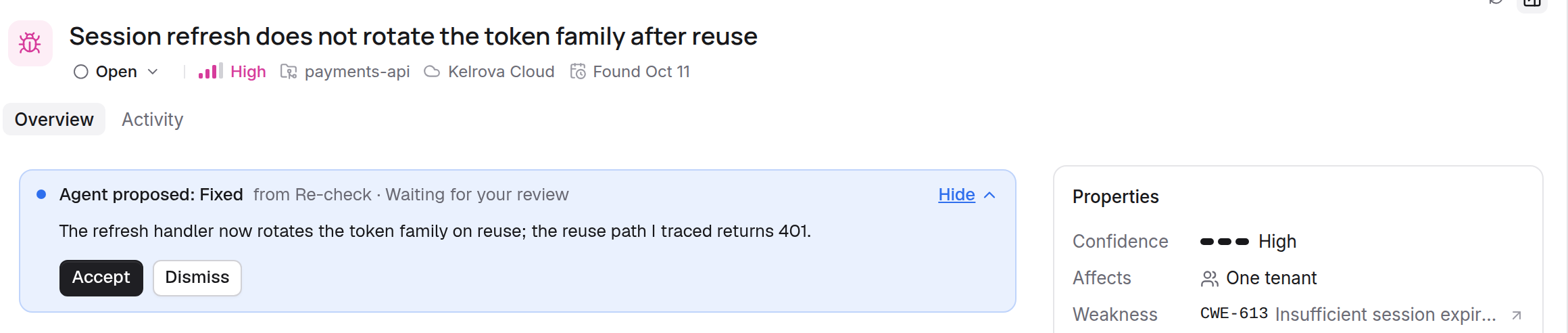
Open the bar with Review to read the reason and any evidence, then choose Accept or Dismiss. Members who may change the finding see both buttons.
To go through proposals together, choose Waiting for review under Activity in the Filter panel, then Review proposals…. Actions, then Review proposed status changes…, opens the same review.
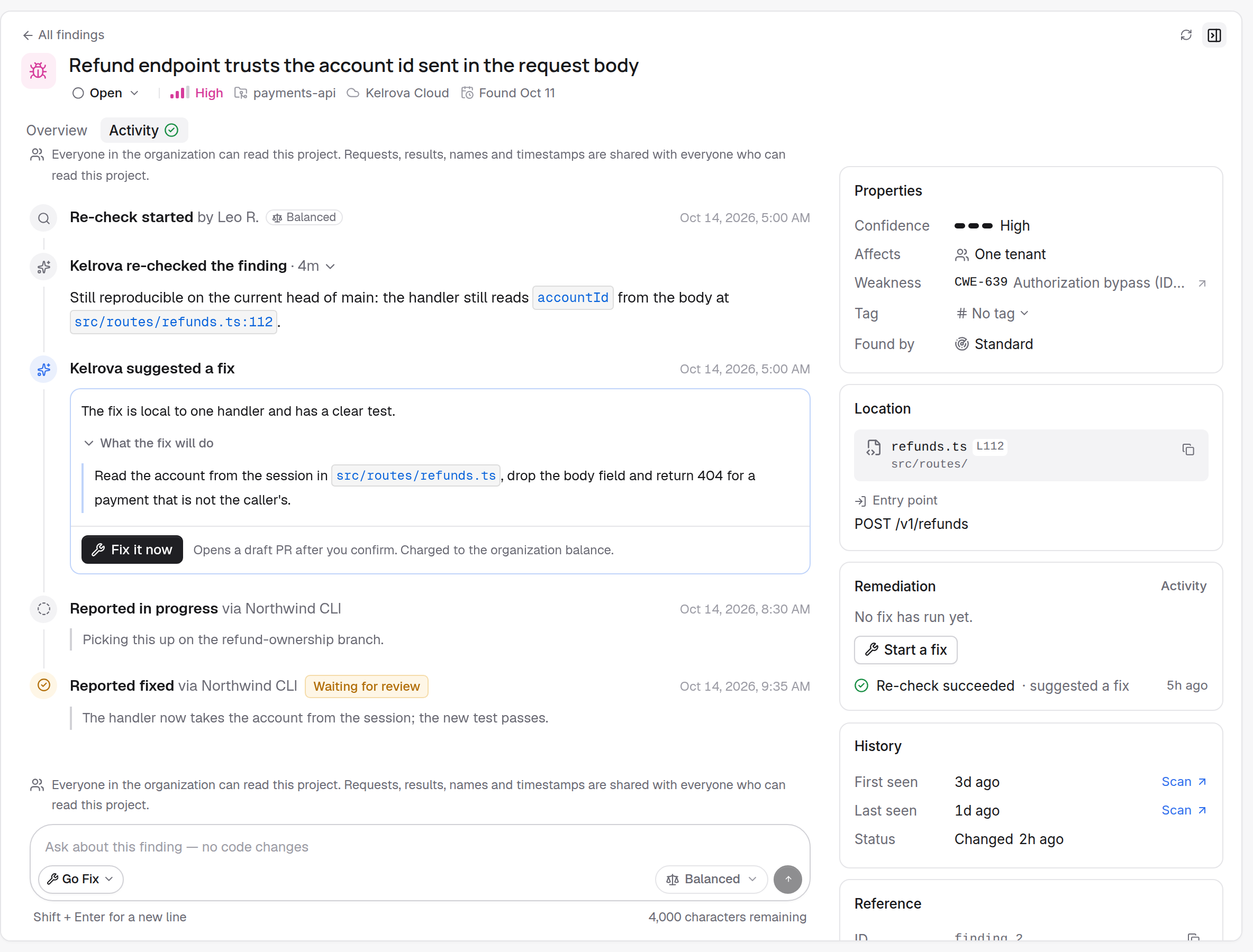
Fixed is checked
A fix reported by your own agent marks the finding fixed at once. Kelrova confirms it on the next scan of the tracked branch or on a re-check, and reopens the finding if the problem is still there. See What a report does and Go Fix: fix, re-check, ask.